Network Health Check: Is Your Office Network Holding Your Business Back?
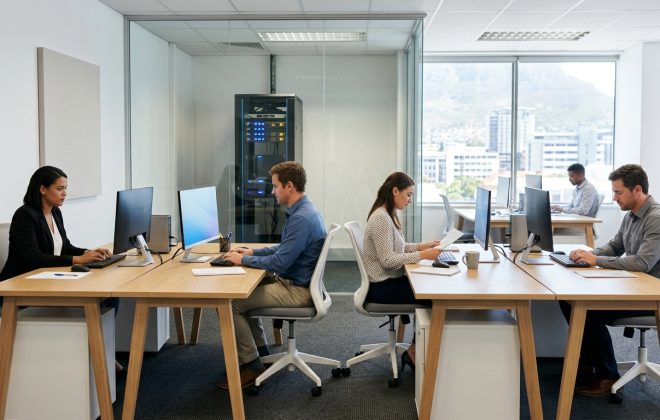
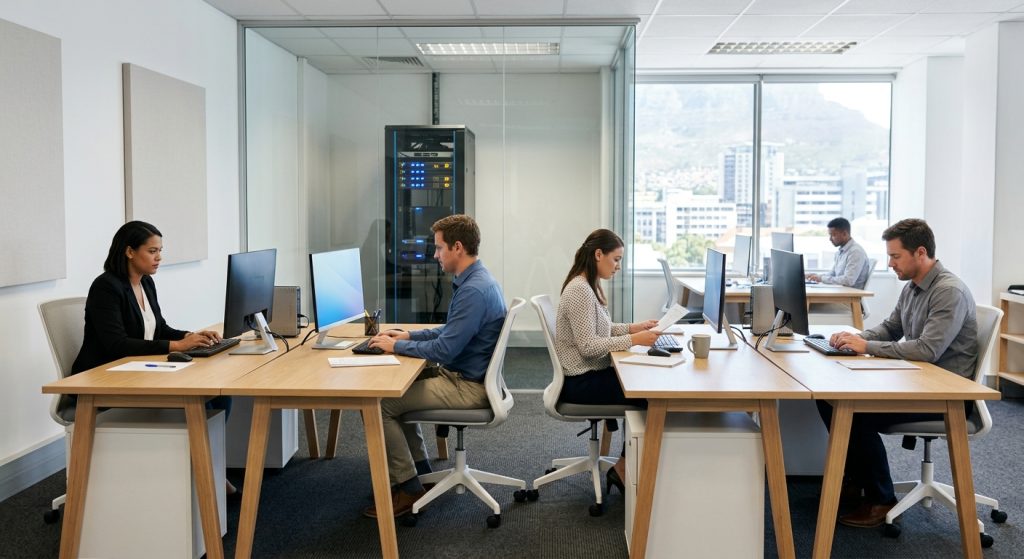
Slow file transfers, Wi-Fi that drops in the boardroom, a printer that keeps disappearing: most offices put up with network problems for months because things “mostly work”. But every delay adds up across a team, and an ageing network is often where security problems hide. A network health check gives you a clear picture of what is working, what isn’t and what to fix first. At IT-Technology Enterprises, we check and maintain office networks across Durbanville, Brackenfell, Bellville and greater Cape Town.
Signs Your Network Needs Attention
Common warning signs include internet speeds far below what your fibre package promises, Wi-Fi dead zones, devices that randomly lose their connection, and shared drives or printers that are slow to respond. Another red flag is when nobody in the office knows the router password, or who set the network up in the first place. If staff have started using their phones as hotspots to get work done, the network is costing you more than you think.
What a Network Health Check Covers
Our networking and connectivity team works through the whole network, step by step:
- Internet and router: line speed against your package, router firmware and firewall settings.
- Wi-Fi coverage: signal strength around the office, channel congestion and guest network separation.
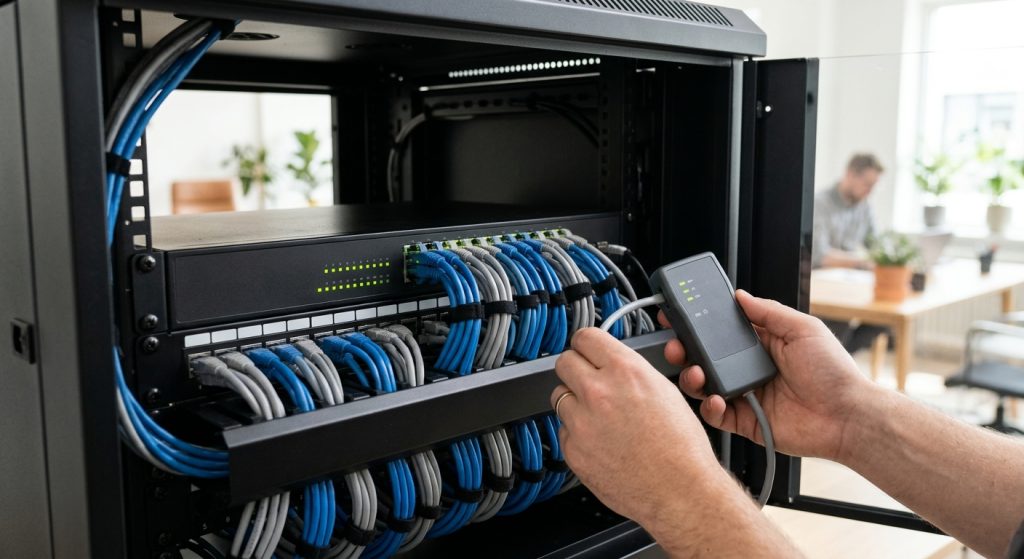
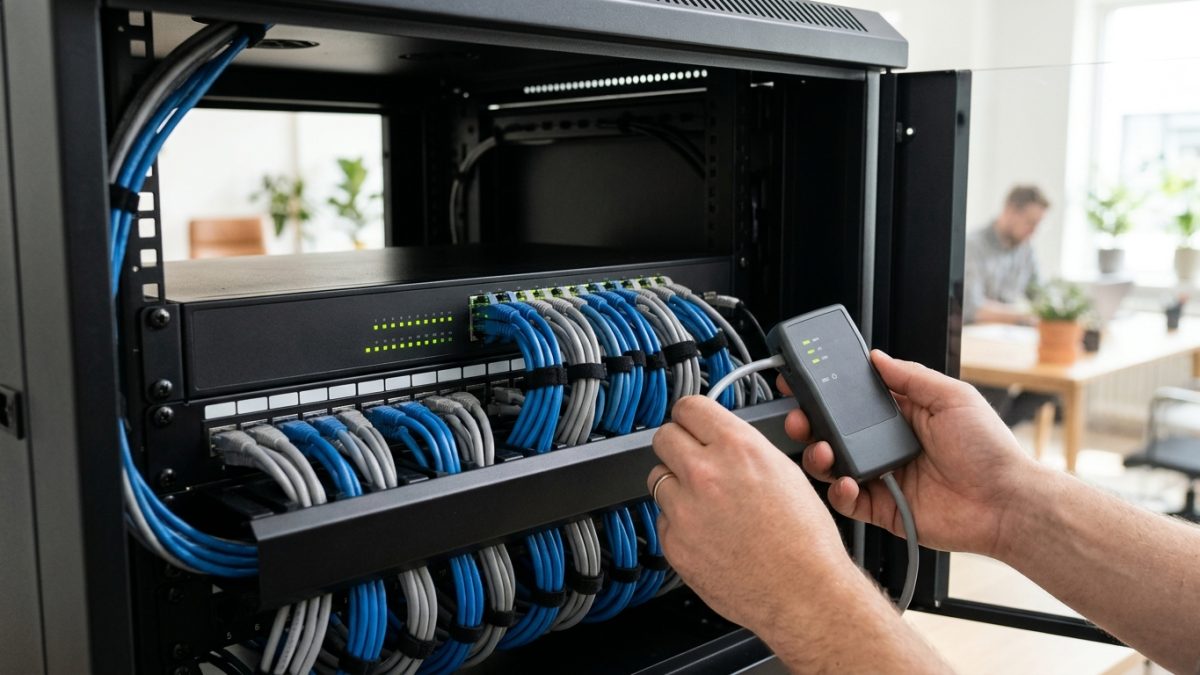
- Switches and cabling: damaged cables, overloaded switches and untidy cabinets that cause faults.
- Connected devices: a list of everything on the network, so unknown devices stand out.
We also check that printers, shared drives and any terminal server or file server are reachable and responding as they should, because these are usually the first things staff notice when the network struggles. You receive a plain-language report with findings ranked by priority, so you know what needs fixing now and what can wait.
Security Gaps Hide in the Network
Default passwords, outdated firmware and an open guest network are some of the easiest ways into a business. A network health check closes those gaps before someone else finds them. We change default logins, check that firmware is current, separate visitors from your business devices and make sure remote access is set up securely. South Africa’s Cybersecurity Hub publishes practical advice and alerts for businesses that want to stay ahead of common threats.
Make It Part of Regular Maintenance
Networks change as you add staff, laptops and cloud services, so one check isn’t enough forever. We recommend including the network in your regular computer maintenance for business, with checks agreed in writing to suit your office. IT-Tech can fix what we find on site, remotely or over the phone, and our partnership with Webafrica helps when your fibre line itself needs attention. A regular network health check keeps your team working instead of waiting.
CONTACT US today to book a network health check for your office.