Computer Maintenance for Business: Cleaning PCs and Keeping Your Network Healthy
Computers rarely fail without warning. They get slower, louder and hotter for months before something finally gives. Regular computer maintenance for business catches those warning signs early and keeps your team working instead of waiting. At IT-Technology Enterprises, we maintain PCs, servers and networks for offices across Durbanville, Bellville, Parow and the Northern Suburbs. Here is what proper maintenance includes and why it saves money.
Why Dust Is Your PC’s Biggest Enemy
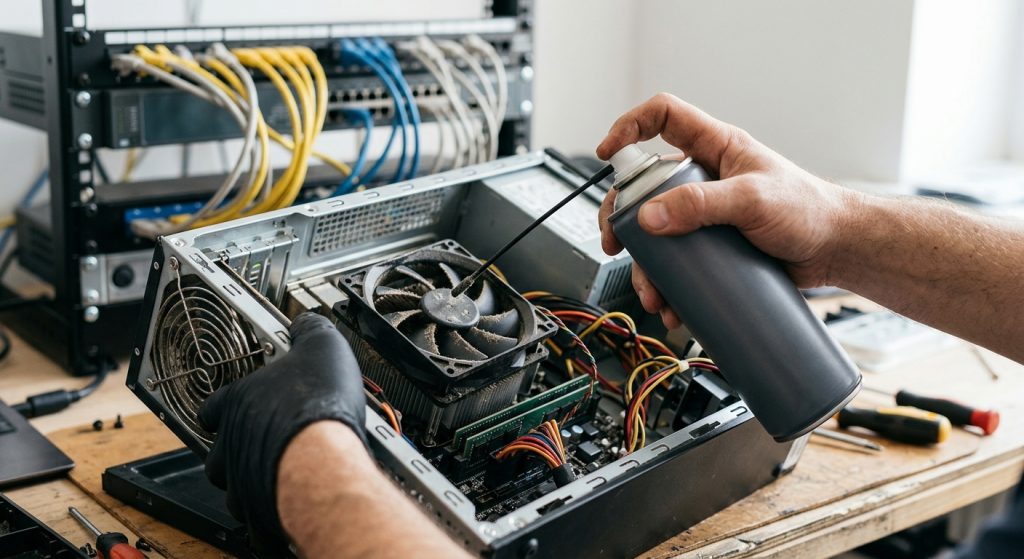
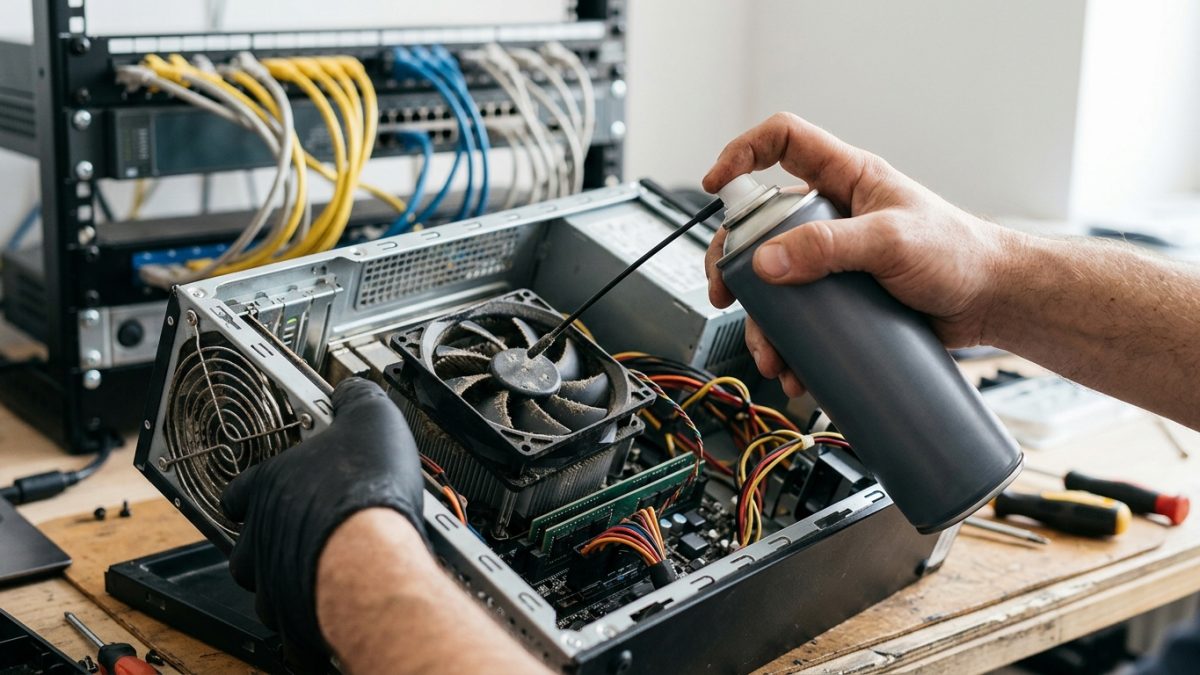
Office computers pull in air all day, and with it comes dust, carpet fibres and, in Cape Town, plenty of fine summer dust from the southeaster. Over time this builds up on fans and heat sinks, so the machine runs hotter, the fans work harder and performance drops as the processor slows itself down to stay cool.
Heat is what eventually kills components. A clogged laptop or desktop is far more likely to suffer a failed power supply, hard drive or motherboard.
What Professional Machine Cleaning Includes
- Internal cleaning of fans, heat sinks, vents and power supplies with compressed air and anti-static tools.
- Thermal paste replacement on older machines that are running hot.
- Health checks on drives, batteries and memory so failing parts are replaced before they die.
- Software clean-up, removing junk, unused start-up programs and leftover installs that slow things down.
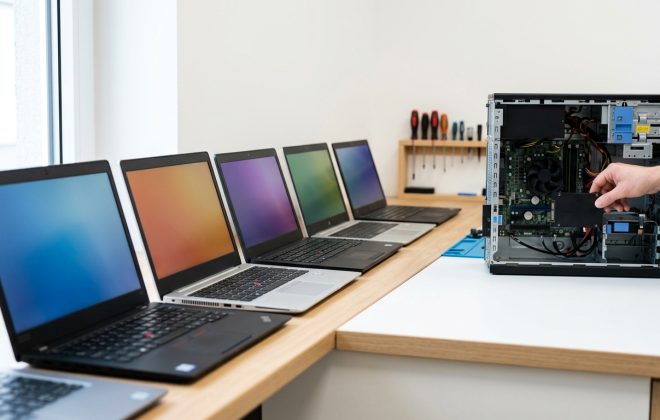
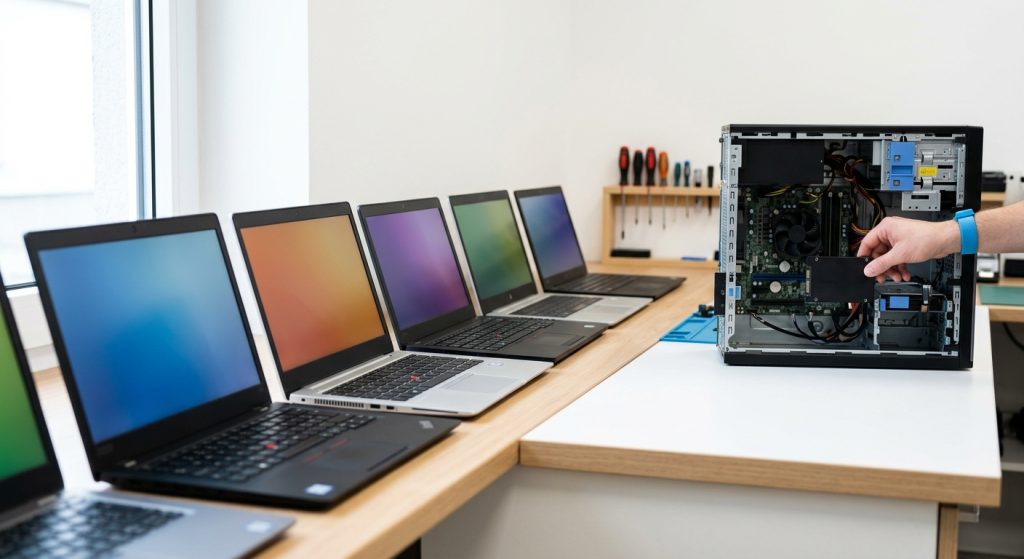
Laptops need extra attention because their vents are small and easily blocked on desks, laps and car seats. Swollen batteries are another common find during a service, and they should be replaced immediately.
Network System Maintenance
Your network needs attention too. Routers, firewalls, switches and Wi-Fi access points all run firmware that needs keeping software and firmware updated to close security holes. We check cabling and patch panels, review Wi-Fi coverage, confirm UPS batteries are holding charge and make sure your server backups are actually completing.
Our networking and connectivity team also documents your network, so faults are faster to trace when they do happen.
How Often Should Maintenance Be Done?
For most offices, a physical clean every six to twelve months is enough, with dustier environments such as workshops and warehouses needing more frequent visits. Network and server checks are best done monthly, with updates applied on a schedule. As we explained in why professional maintenance is a business necessity, a planned visit costs far less than emergency repairs and lost working hours.
Make Computer Maintenance for Business Routine
The easiest approach is to include maintenance in your IT support agreement, so it happens automatically and is scheduled around your working day. You also get a written record of every machine we have serviced, its condition and what may need replacing soon, which makes budgeting for new equipment much easier. Computer maintenance for business is not glamorous, but it is one of the simplest ways to extend the life of your equipment and avoid downtime.
CONTACT US today to book a maintenance visit for your computers and network.