SSD Upgrade in Cape Town: Can It Make Your Old Computer Fast Again?
Does your computer take minutes to start, freeze when you open Outlook, or make you wait every time you save a file? Before you budget for a new machine, there’s a good chance the problem is the old mechanical hard drive. An SSD upgrade in Cape Town is one of the most cost-effective ways to bring a sluggish PC or laptop back to life. At IT-Technology Enterprises, we upgrade office and home computers across Durbanville, Bellville and the Northern Suburbs every week.
Why a Hard Drive Slows Everything Down
Traditional hard drives store data on spinning disks, read by a moving arm. They were fine years ago, but modern versions of Windows, antivirus and cloud apps read and write data constantly, and the drive simply can’t keep up. A solid-state drive (SSD) has no moving parts, so it finds and loads data many times faster.
The difference is easy to notice: faster start-up, programs that open almost instantly, and far fewer moments where the whole computer seems to pause. SSDs also use less power and cope better with knocks, which is a real advantage for laptops that travel between home and the office.
Is an SSD Upgrade in Cape Town Worth It for Your Machine?
An upgrade makes the most sense when the computer is otherwise in good shape: a decent processor, a screen and keyboard you’re happy with, and enough memory for your work. Pairing the SSD with extra memory often gives the biggest boost. It’s a smart choice for:
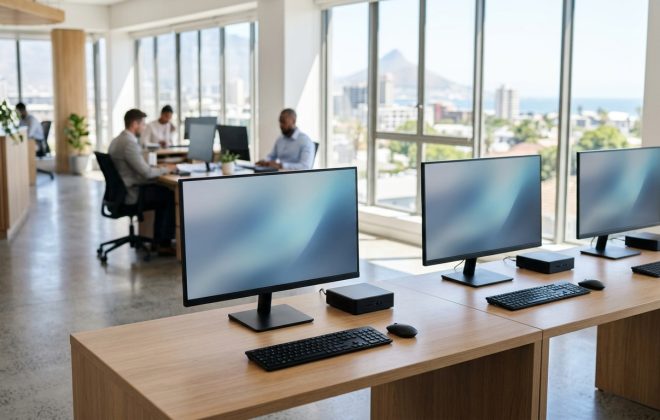
- Office desktops used for email, accounting and documents.
- Business laptops that are well built but have become slow.
- Terminal server users, where a quick, responsive local machine makes remote sessions feel smoother.
What an SSD Upgrade Involves
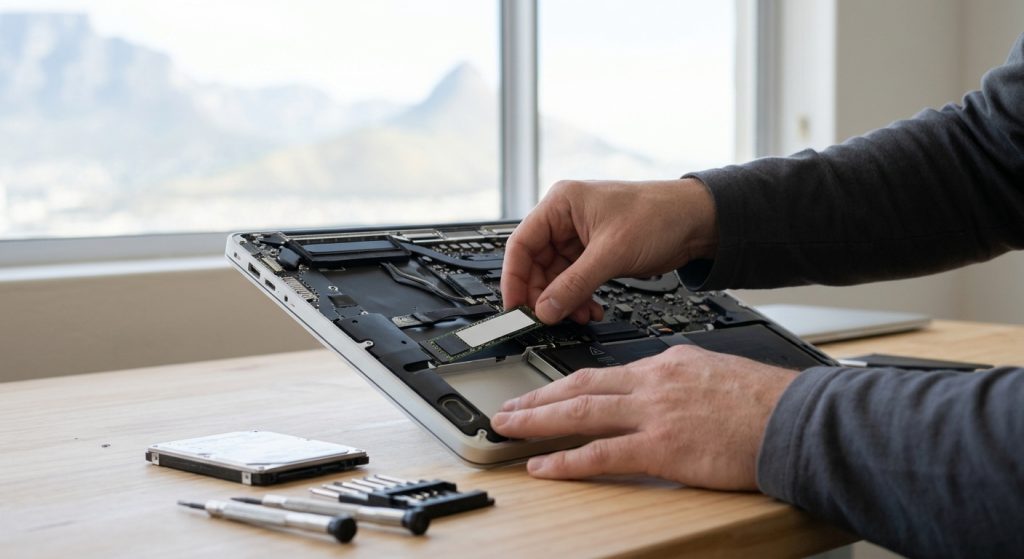
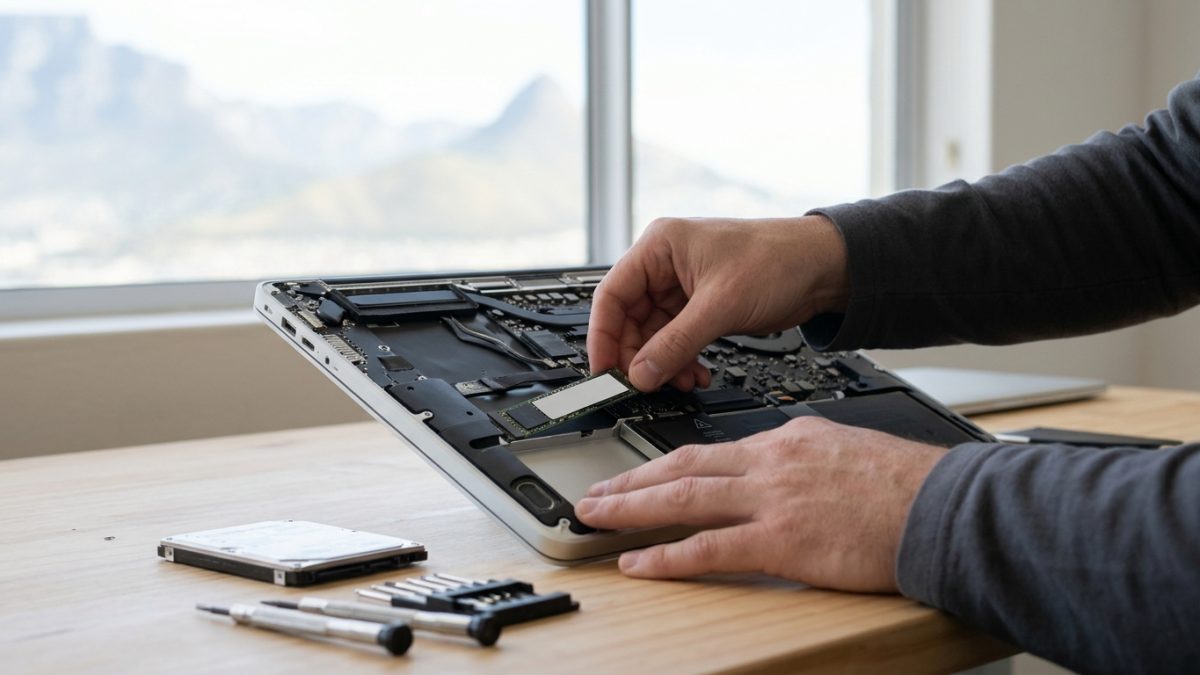
Through our computer sales, upgrades and repairs service, every SSD upgrade in Cape Town starts with a check of the machine’s health to confirm the upgrade is worthwhile. We then fit the SSD and either clone your existing drive or do a clean installation, moving your files, email and settings across. Your data is backed up before we start, so nothing is lost.
While the machine is open, we clean out dust and check the fan, which also helps a laptop run cooler and quieter. Most upgrades are done in our Durbanville workshop, and for offices with several machines we can schedule the work so your team isn’t left without a computer for long.
When an Upgrade Isn’t Enough
Sometimes an older computer can’t run current software well, even with an SSD. Microsoft’s PC Health Check app shows whether a machine meets Windows 11 requirements. If it doesn’t, our guide to refurbished laptops in Cape Town explains a cost-effective replacement. Either way, IT-Tech will give you an honest recommendation, and if an SSD upgrade in Cape Town is the right answer, we’ll have you back up and running quickly.
CONTACT US today to book an SSD upgrade assessment for your office or home computer.