
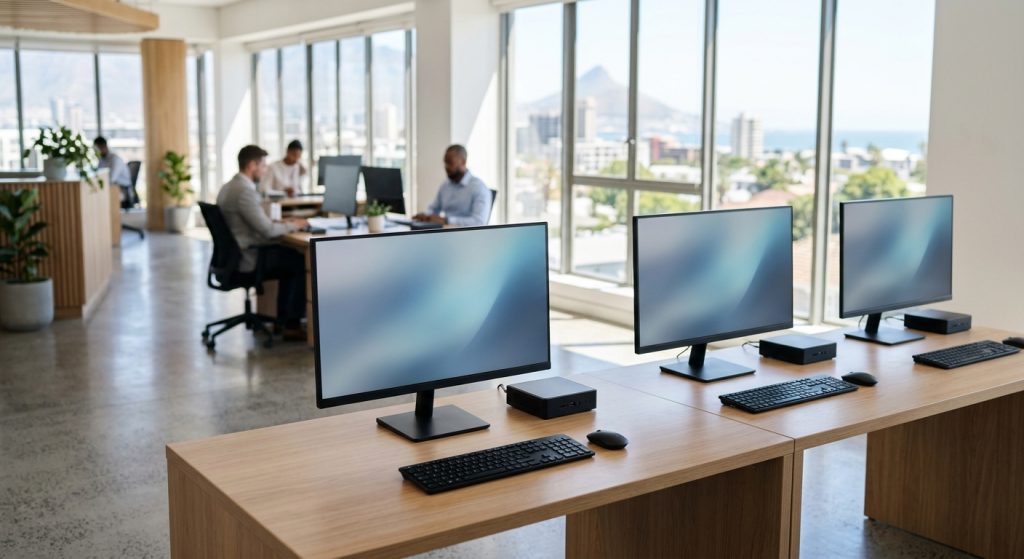
You’ve moved your office onto a terminal server, or you’re thinking about it, and now the next question comes up: what should staff use to connect? The thin client vs PC choice affects your budget, your security and how long your hardware lasts. At IT-Technology Enterprises, we set up terminal servers and the workstations around them for offices in Durbanville, Bellville, Parow and across Cape Town. The short answer: thin clients suit staff who work only on the server, while full PCs still make sense for heavy or offline work. Here’s how to decide.
What Is a Thin Client?
A thin client is a small, low-power device that does one job well: it connects to your terminal server. Your software, files and processing all run on the server, and the thin client simply shows the screen and sends your keyboard and mouse input. Microsoft describes how staff can connect to Remote Desktop Services from almost any device, and thin clients are built for exactly that.
If you’re new to the idea, our guide to terminal server benefits explains why one central server is easier to manage than a room full of PCs.
Thin Client vs PC: The Key Differences
- Cost: thin clients are usually cheaper to buy and use far less electricity than a desktop PC.
- Lifespan: with no hard drive and few moving parts, they often outlast a PC, because the server does the heavy work.
- Security: no business data is stored on the device, so a stolen or broken thin client doesn’t take client files with it.
- Management: there’s very little to update or fix on each desk. Software is installed once on the server.
- Flexibility: a PC can run programs locally and keep working if the network or server is down. A thin client can’t.
When a Thin Client Makes Sense
Thin clients are a strong fit for reception, admin, accounts and call-centre staff who spend the day in Sage, Pastel, email and Office on the terminal server. They’re also handy for shared desks and branch offices, and they keep a busy office quieter and cooler.
When a PC Is Still the Better Choice
Some users need local power: designers, anyone working with video or large CAD files, and staff who use specialised hardware such as scanners or card readers that don’t work well over remote desktop. Laptop users who travel or work offline also need a full machine.
You don’t have to buy new. Existing PCs can be cleaned up and used as terminal server workstations, and refurbished laptops and desktops are a cost-effective option for users who need a full computer.
Thin Client vs PC: Mixing Both Works Best
Most offices end up with a mix: thin clients for desk-bound staff on the server and PCs or laptops for the few who need more. The right thin client vs PC balance depends on your software, your users and your budget. IT-Tech supplies new and refurbished computers, upgrades and repairs, and can also host your server in the cloud through our cloud-based IT services.
CONTACT US today to book a terminal server and workstation assessment for your office.
Call 071 250 8511 or email info@it-tech.co.za.